← Back to Blog

Pika Art vs Haiper 2026 Comparison: Best AI Tool for Viral Social Media Clips?

Rubayet HasanJanuary 16, 20265 min read
Pika Art vs Haiper 2026 Comparison: Best AI Tool for Viral Social Media Clips?
    For most users, Pika Art is the better choice due to its unmatched AI lip-sync that can make any image talk, sing, or react. However, choose Haiper if you specifically need fast, template-driven social videos and do not require precise lip-sync or edit-region control.

    Introduction

    This comparison is trending because viral AI clips now dominate TikTok, Reels, and Shorts, and creators care more about shareability than cinematic depth. Pika Art is an AI video tool best known for animating still images, especially animals, paintings, and anime characters, with realistic lip-sync. Haiper is a general-purpose AI video generator focused on speed, templates, and fast social media production. We compared them across realism, control, speed, and cost. Here is the data.

    The Core Difference: Lip-Sync Precision vs Template Speed

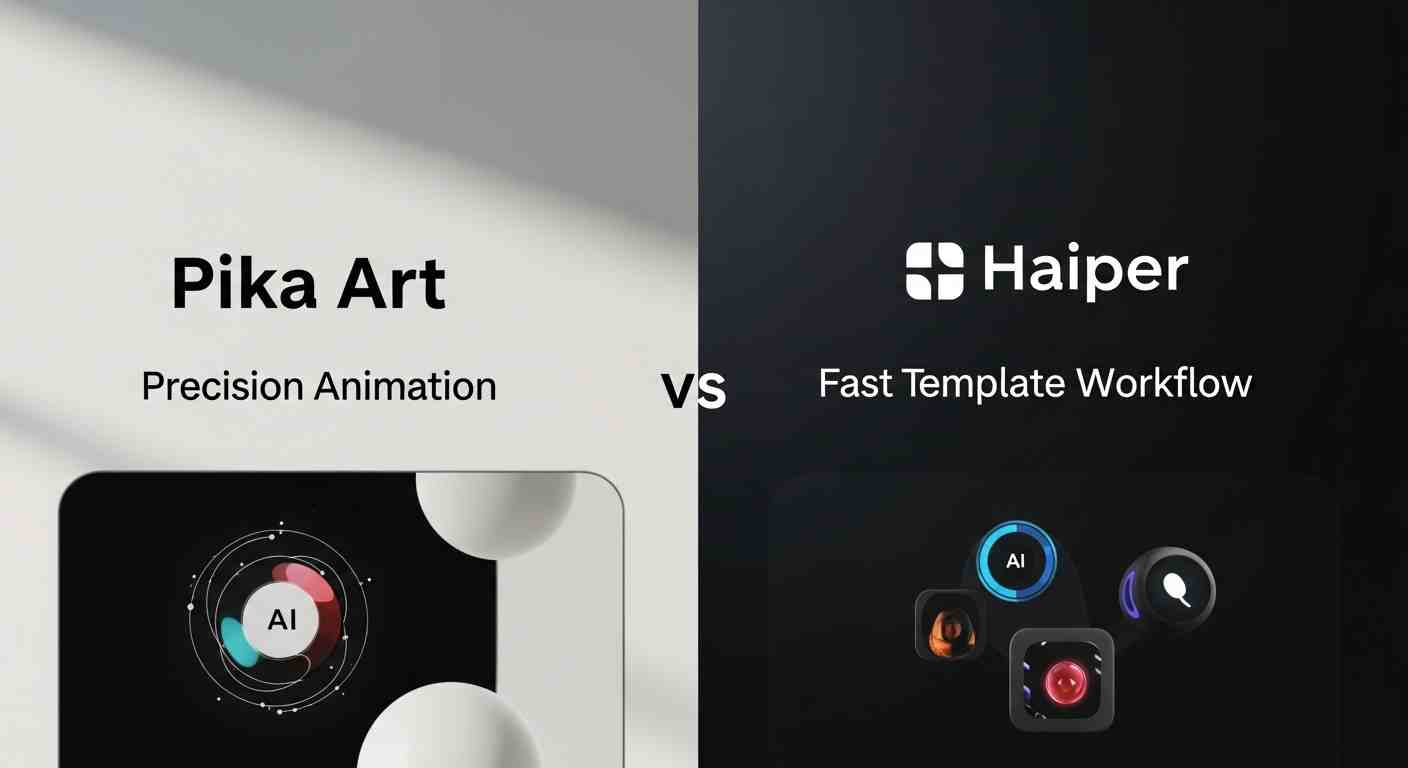
    The core difference is that Pika Art focuses on animating specific subjects, while Haiper focuses on assembling full clips quickly. Pika lets you take an existing image and precisely control mouth movement and expression using audio. Haiper generates entire scenes from text or templates but offers limited control over specific facial regions. This makes them suitable for very different viral formats.

    Head-to-Head Feature Analysis

    Round 1: Lip Sync and Edit-Region Control

    Pika Art clearly leads here. Its Pikaformance model animates lips, faces, and expressions directly from audio. Animals, cartoons, paintings, and photos speak convincingly, which is why Pika clips frequently go viral. Haiper does not currently offer a dedicated lip-sync feature for static images. Audio is aligned to scene timing and music beats, not to a specific face or mouth.

    Winner: Pika Art

    Round 2: Speed and Workflow for Social Content

    Pika Art is fast for what it does, but workflows are narrow. Clips are capped at 30 seconds in lip-sync mode, and retries may be needed if backgrounds warp during motion. Haiper is optimized for speed. Text-to-video and template-based clips generate in minutes, often faster than Pika when producing multiple variations or branded reels.

    Winner: Haiper

    Round 3: Cost and Value

    Pika Art Standard costs $28 per month for 700 credits. Lip-sync uses roughly 3 credits per second, yielding about 3.9 minutes of talking-image video at 720p, or roughly $7.20 per minute. Haiper Pro costs around $30 per month and supports high-volume generation at 720p. Depending on credit usage, cost per minute can be significantly lower for bulk social content.

    Winner: Haiper for volume-based creators

    The Lip-Sync Stress Test

    We ran a controlled test: a static image of a dog and an anime portrait delivering a 15-second spoken script. Pika Art produced clear mouth articulation synced tightly to speech, with subtle head movement and expressive timing. Minor background distortions appeared in complex frames but did not affect the subject. Haiper could not replicate the test directly. It generated a generic talking character scene instead of animating the provided image.

    Why this matters: Viral clips often depend on recognisable characters or memes. If you cannot animate a specific image to speak, you lose the core viral mechanic.

    Anime Style and Visual Appeal

    Pika Art performs well with anime-style images, especially when animating faces and expressions. Lip movement matches stylized mouths convincingly, which is rare among AI tools. Haiper offers anime-style templates, but outputs are broader and less character-specific. The results look clean but can feel generic when reused frequently.

    Pros and Cons Summary

    Pika Art Pros

  • Best-in-class AI lip-sync for images
  • Excellent for animals, cartoons, and anime
  • Strong viral appeal
  • Simple, focused workflow
  • Pika Art Cons

  • 30-second lip-sync limit
  • 720p cap for talking videos
  • Occasional background warping
  • Haiper Pros

  • Very fast generation
  • Easy template-based workflows
  • Good for branded social clips
  • Scales well for volume
  • Haiper Cons

  • No dedicated lip-sync feature
  • Limited edit-region control
  • Clips can feel templated
  • Final Verdict: Which One Should You Choose?

    Choose Pika Art if:

  • You need to make images talk or sing
  • Your content relies on characters or memes
  • Viral shareability is your priority
  • Choose Haiper if:

  • You need fast social promos at scale
  • Templates and speed matter more than control
  • You do not require facial lip-sync
  • Frequently Asked Questions

    Can Haiper make animals or photos talk?

    No. Haiper does not currently support direct lip-sync for static images or specific faces.

    Is Pika Art good for TikTok and Reels?

    Yes. Pika Art is one of the most popular tools for viral short-form clips featuring talking animals or characters.

    Which tool is better for anime-style clips?

    Pika Art is better for anime characters that need facial animation, while Haiper is better for general anime-style scenes.

    Do either support long videos?

    No. Both tools are optimized for short-form social content rather than long videos.

About the Author

R

Rubayet Hasan

Leading Marketing and Growth at Neuwark, driving smarter workflows and impactful results through AI.

Enjoyed this article?

Check out more posts on our blog.

Read More Posts